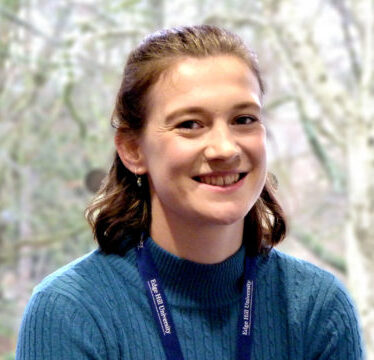
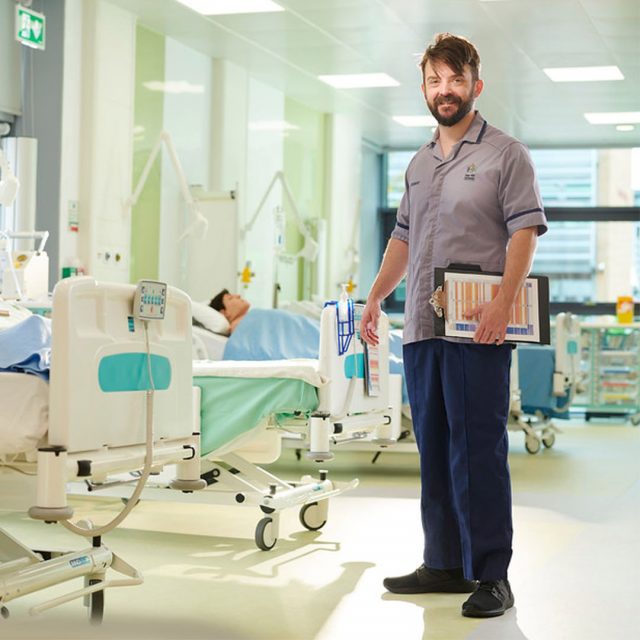
Use this block to present a list of staff or student profiles for a given subject area or department (not both) and optional tag. You can alternatively manually select individual profiles.
Examples
Staff profiles added using filters
These profiles are presented using the following settings:
“Department” is set to “Sport and Physical Activity”
Please note that it’s not possible to mix and match Staff, Student and/or Alumni profiles in a single block. You have to choose a single Profile type for the block to work.
Likewise, you can only filter on Subject or Department and not a combination of the two.
How to use this block
Text instructions
Type “/ehu profiles list” and click to select the “EHU Profiles List” block.
In the central content area, enter an (optional) title into “Title” field.
In the Block sidebar on the right-hand side, use the filters:
Subject: Undergraduate or postgraduate academic subject area.
Department: Academic or non-academic department.
Tag: Specific tag used to group collection of profiles eg Administrator.
Profile type: Staff, student, alumni or external.
Simple/detailed/grid view: The default view is simple/detailed toggle. You can pick one or the other or choose a grid view instead.
Disable staff profile links: You can choose to remove links to staff profiles with this toggle.
Order: Ascending or Descending.
Order by: Title or Last name.
You can also toggle on/off the following filters and options that will be available to website users:
Subject filter
Department filter
Enable pagination
You can also manually include specific profiles by clicking the “Add Person” button in the central content area and searching for them in the drop-down menu.
When using the filters, only use Subject or Department and not a combination of the two.
Video demonstration
The EHU Profiles List block has been updated since this video was recorded. Please refer to the text instructions above as well as the video below.